
Prefilter in Crosstab Analyzer
You may wish to filter the data, for simple filters you can use the drop-down arrows on the fields you have chosen for the spreadsheet.
For example you may have added States into the column area – you can choose to show only VIC and NSW by ticking these boxes in the drop-down list for States.
Sometimes you may have a more complex filter that you want to apply to the data. For this you may wish to use Prefilter.
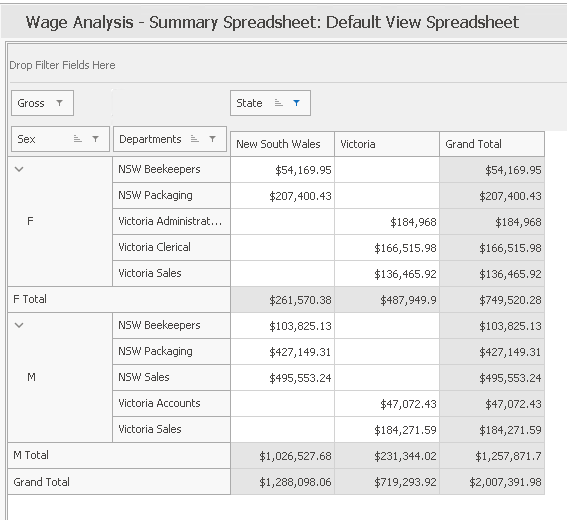
This is a Wage Analysis spreadsheet, without Prefilter:
(note that the bar at the bottom of the image is blank)
Allowing the Prefilter Option
To enable the filtering option select Options > Filter Toolbar from the menu bar.
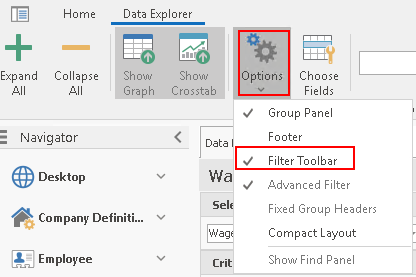
This will display the Prefilter bar at the bottom of the spreadsheet results.

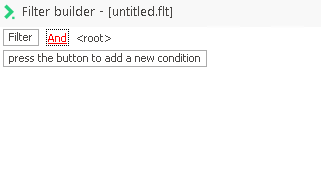
Understanding filtering with Prefilter